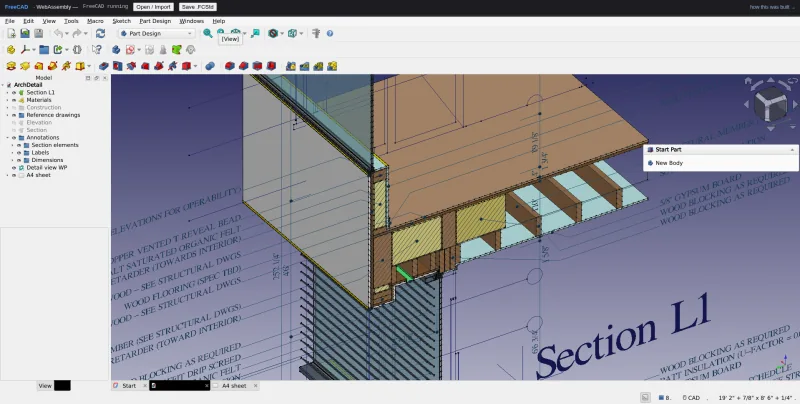
Magik has published FreeCAD in your browser, a WebAssembly port that runs the FreeCAD desktop application in a browser tab. The build combines Qt, OpenCASCADE, Coin3D, CPython, PySide6, VTK, and SMESH, and includes workbenches for Part, Part Design, Sketcher, Draft, TechDraw, BIM, CAM, FEM, Assembly, and other workflows.
The port supports opening and saving FCStd files, importing STEP, IGES, and BREP files, interacting with the 3D viewport, and using FreeCAD’s Python console and PySide6 GUI scripting. User settings persist in IndexedDB. For AEC users, the browser build provides access to FreeCAD’s BIM tools without a desktop installation, although IFC support is not included in the current build.
The initial download is approximately 96 MB compressed and currently requires Chrome or Edge 137 or newer because it depends on WebAssembly JavaScript Promise Integration. The build is single-threaded, external FEM meshers and solvers cannot run inside the browser sandbox, and some interface and rendering issues remain. Source code and build material are available from the freecad-web repository.